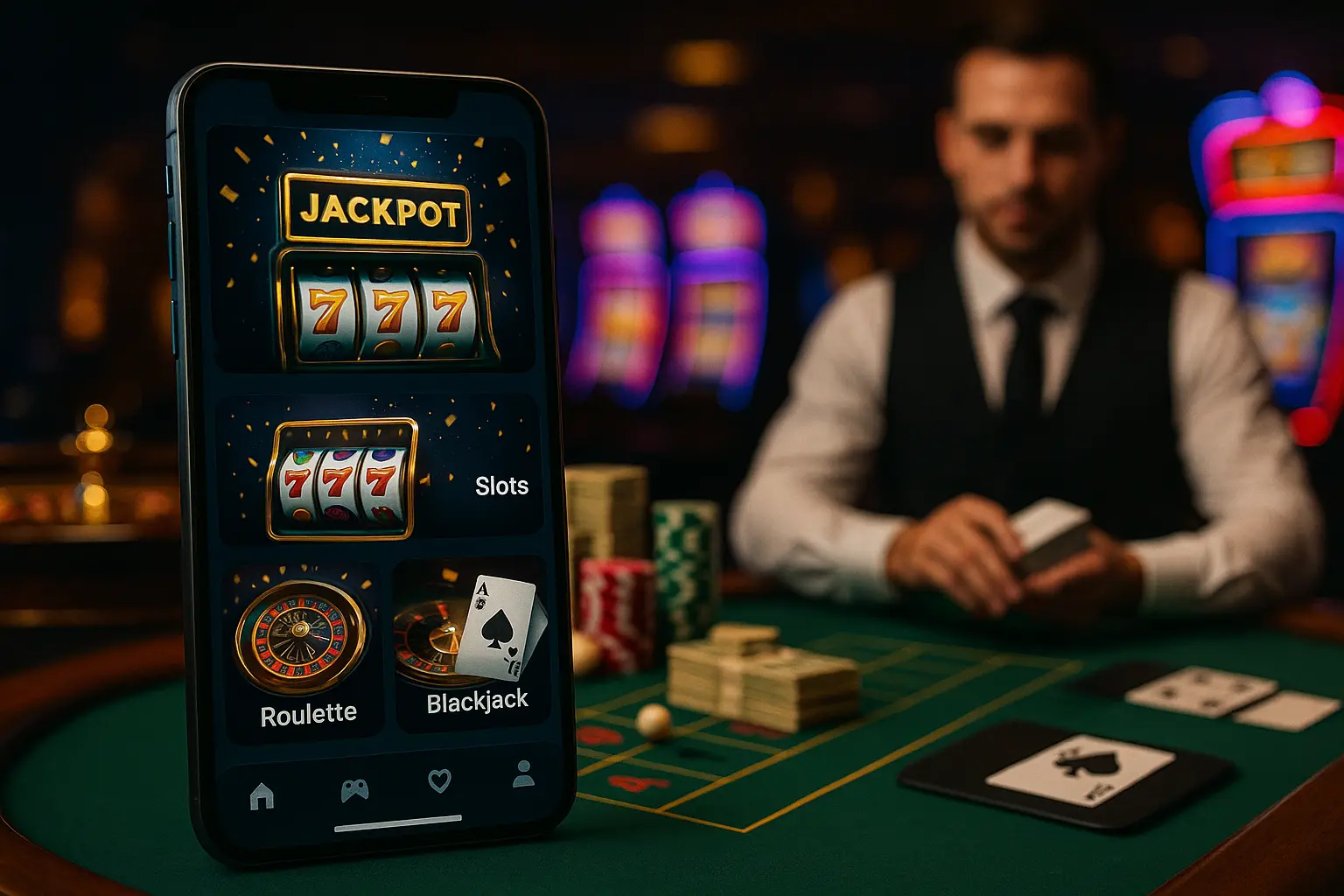

Step-by-Step Guide to Installing an Android Casino App
Depending on your location and the casino you choose, you will either download the app directly from the Google Play Store or grab it via a secure APK file from the operator's official website. Here is how to navigate both paths safely.
The Official APK and Store Installation Process
Follow these straightforward steps to securely get your mobile casino running:
- Visit the Verified Casino Site: Open your mobile browser and navigate directly to the licensed casino's homepage. Avoid third-party forums or secondary download sites to ensure you get the genuine file.
- Download the File: Look for a button or banner labeled "Download for Android" or "Get the App." Tap it to download android casino apk directly to your device storage.
- Enable Installation Settings: If installing via APK, a system prompt will ask you to allow installations from unknown sources. Navigate to your device Settings > Security (or Apps > Special App Access) and toggle on "Install Unknown Apps" for your mobile browser (such as Chrome).
- Install the App: Open your device's "Downloads" folder, tap the newly downloaded file, and select "Install" when prompted.
- Launch and Register: Once the installation is complete, find the app on your home screen or app drawer, launch it, and complete your android gambling app setup by logging in or registering.
Google Play vs. Direct APK Downloads
Android users frequently wonder why some casino apps are readily available in the Google Play Store, while others require a manual download process. This distinction boils down to local laws and Google’s distribution rules.
Navigating Google’s Evolving Real-Money Gaming Policies
Google allows real-money gambling applications in their store only in specific countries where online betting is fully legalized, state-regulated, and licensed. Even in those permitted jurisdictions, operators must go through an intensive vetting process to get listed. If you live in an area with evolving regulations, or if your favorite casino has not listed its software in the store, they will offer a direct download option on their site instead. To install online casino android app files directly via an APK is completely safe and legal, provided you acquire the file directly from a verified, licensed brand. The app itself performs exactly the same as a Play Store version; it simply bypasses Google's central store platform.
Ensuring a Safe and Secure Android Gambling Setup
Security should always be your top concern when downloading software that handles your banking details and personal information.
Essential Security Checklist for Android Players
Before you proceed with any android gambling app setup, run through this quick checklist to ensure your chosen app is completely legitimate:
- Check the License: Look at the footer of the casino's homepage. It must display a valid license from a recognized authority, such as the Malta Gaming Authority (MGA), the UK Gambling Commission, or local state licensing boards.
- Data Encryption: Ensure the operator utilizes industry-standard SSL encryption to secure your transaction data and identity details.
- Trusted Game Providers: Make sure the casino hosts games from reputable, audited developers like NetEnt, Microgaming, or Playtech, ensuring completely fair outcomes.
- Secure Banking Methods: Verified apps should support trusted, globally recognized payment methods like Visa, Mastercard, PayPal, Neteller, or direct bank transfers.
Key Takeaways
- • Always download Android casino APK files directly from the operator's official, verified website to avoid security risks.
- • Allowing "Unknown Sources" in your system settings is a standard, safe step required for manual installation of non-Play Store apps.
- • Updating your Android operating system to the latest version guarantees optimal app performance and the latest security patches.
- • Ensure the mobile casino is fully licensed in your specific region before registering an account or making a real-money deposit.
- • Native Android applications generally offer much faster load times, superior graphics, and better battery optimization than mobile web browsers.
Deep Dive
Troubleshooting Common Android Installation Errors
While the setup process is typically seamless, you might occasionally encounter minor technical hurdles. The most common error is the "Parse Error" or "App Not Installed" warning. This usually indicates that the downloaded APK file is corrupt, or your operating system is incompatible with the app’s technical requirements. To resolve this, clear your browser cache, delete the faulty download, verify that your Android system is updated, and attempt to download android casino apk again. Another common issue is Google Play Protect flagging the file. Because Play Protect is programmed to flag any application not distributed through its store, you may need to tap "Install Anyway" to override the warning and proceed with the installation.
FAQ
Is it safe to install online casino apps using an APK file?
Yes, it is entirely safe, provided you download the file directly from the official website of a legitimate, licensed online casino. Avoid third-party forums or file-sharing platforms, as those files could be modified or contain malicious software.
Why does my Android phone warn me that APK files can be harmful?
Android displays a standard, automated warning message for any application downloaded outside of the official Google Play Store. This is a general safety mechanism. If you trust the source—the official casino platform—you can safely bypass this warning.
Do Android casino apps offer the same games as desktop versions?
Most modern online casinos provide a comprehensive selection of games on their mobile applications, including popular slots, live dealer tables, and video poker. Modern games are built on HTML5 technology, meaning they run flawlessly on any modern mobile device.
Deep Dive
Optimizing Your Android Device for Mobile Gaming
To get the most out of your android gambling app setup, a few device tweaks can significantly improve performance. First, clear your app cache regularly to free up system memory and prevent lagging. Second, disable heavy background applications while playing live dealer games; this helps maintain a stable connection and reduces battery drain. Lastly, always ensure you are on a secure, stable internet connection—preferably a private Wi-Fi network or a strong mobile network—to avoid any mid-game disconnections during critical spins or hands.
Conclusion
Downloading and setting up a casino app on your Android device is a straightforward process that grants you instant access to premium gaming, customer support, and secure cashier features on the go. Whether you download directly from the Google Play Store or use a secure APK download from a verified brand, prioritizing safety by playing at fully licensed platforms is key. Take a few moments to configure your settings correctly, and you will be ready to enjoy a secure and seamless mobile gaming experience.