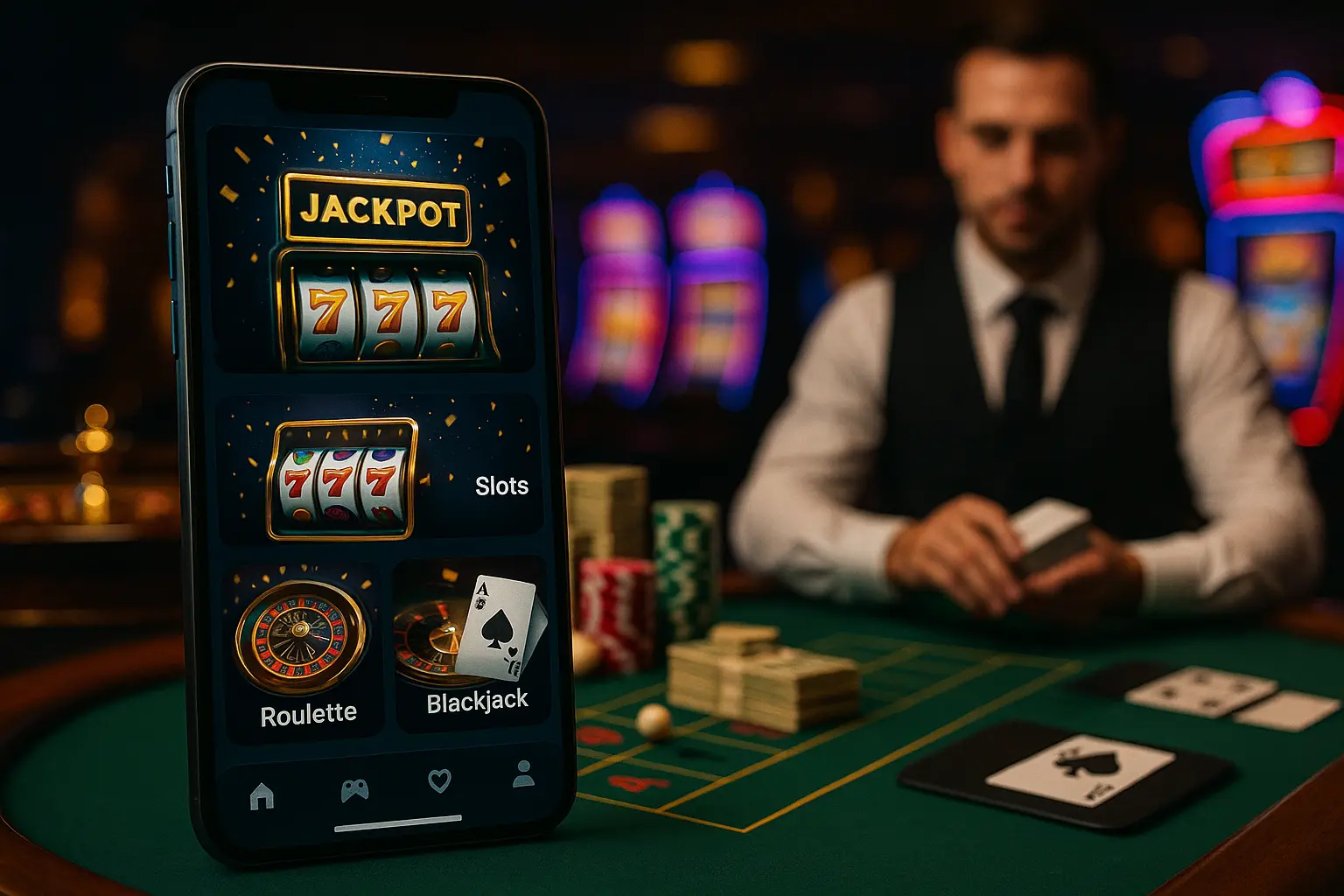

Understanding Mobile Casino Battery Drain
Modern online slots are marvels of software engineering, boasting cinematic soundscapes, intricate 3D graphics, and fluid animations. However, these immersive features require significant processing power, which can quickly drain your smartphone's battery.
Why Do Slot Games Consume So Much Energy?
Most modern mobile slots run on HTML5 technology, which allows them to play seamlessly in your browser without additional downloads. However, this convenience requires your phone's Graphics Processing Unit (GPU) and Central Processing Unit (CPU) to work constantly. Rendering dynamic animations, calculating spin results, and managing visual particle effects demand continuous power. Combined with the constant data exchange required to communicate with remote servers, mobile casino battery drain is a very common issue for players on the go. Knowing what causes this drain is the first step to mitigating it.
Essential Device Settings to Play Casino Games in Low Power Mode
You do not have to stop playing your favorite slot games just because you are away from a charger. Adjusting a few native settings on your iOS or Android device can yield significant power savings.
Simple Display and System Tweaks
To play casino low power games effectively, start with your screen settings. The display is almost always the largest consumer of energy on any smartphone. Lowering your brightness to around 40% or turning on adaptive brightness helps dramatically. Furthermore, if your phone supports a high refresh rate (such as 90Hz or 120Hz), manually limit it to a standard 60Hz in your system settings when playing slots. This adjustment reduces the load on your GPU. Lastly, disable game haptics (vibrations) and mute the in-game audio. This prevents your phone's internal vibration motors and audio speakers from consuming valuable milliampere-hours (mAh).
Software Optimization and Choosing a Battery Saving Slots App
The platform you choose to play on plays a massive role in how efficiently your phone handles battery usage. Well-optimized software can mean the difference between a 30-minute session and a three-hour session.
Selecting Optimized Platforms and Lightweight Games
When looking for a mobile casino, check if they offer a dedicated battery saving slots app. Official apps downloaded directly from the App Store or Google Play Store are often better optimized for your phone's operating system compared to web browser versions. If you prefer using a web browser, make sure to close all other background tabs and clear your browser cache before you start spinning. Additionally, consider the complexity of the slot games you play. Classic three-reel slots with simple 2D graphics require far less processing power than complex 3D video slots or live dealer games. Switching to simpler slot variations is an excellent strategy when your battery is running low.
Key Takeaways
- • Lower your screen's refresh rate to 60Hz and decrease brightness to immediately reduce the power drawn by your display.
- • Mute in-game sound effects and turn off haptic vibration feedback to save energy on physical phone components.
- • Use a dedicated, native casino app when available, as they are often more optimized than standard mobile web browsers.
- • Switch to simpler, classic 2D slot games instead of heavy 3D titles to ease the workload on your phone's graphics processor.
- • Always play over a stable Wi-Fi connection rather than cellular data, which forces your mobile modem to work much harder.
Deep Dive
Under-The-Hood OS Optimizations for Mobile Gamers
To get the absolute most out of your battery, you should dive into your smartphone's deeper settings. Both iOS and Android offer advanced background restriction tools. On iOS, navigate to your settings and disable "Background App Refresh" for non-essential applications. This ensures that while you are spinning the reels, other apps are not downloading updates or syncing data in the background. Android users can take advantage of built-in gaming modes, such as Samsung's Game Booster. These tools allow you to manually throttle game frame rates and optimize memory allocations, ensuring that your system resources are focused purely on rendering your slot game efficiently.
FAQ
Does playing mobile slots on Wi-Fi save more battery than using mobile data?
Yes, playing on Wi-Fi is significantly more energy-efficient than using mobile data (like 4G, 5G, or LTE). Cellular modems require a high amount of power to connect to distant cell towers, especially in areas with weak cellular reception. Using a stable local Wi-Fi connection allows your phone's wireless transmitter to operate at a much lower, more consistent power level.
Will enabling Low Power Mode affect my slot game's performance or outcomes?
No, it will not affect your game outcomes. Slot outcomes are determined by secure Random Number Generators (RNG) on the casino's servers, not on your physical phone. While enabling Low Power Mode might slightly reduce the frame rate of visual animations to conserve energy, the actual gameplay, fairness, and results remain completely unchanged.
Is a mobile app better for my battery than playing directly in a Safari or Chrome browser?
In most cases, yes. A native, well-optimized casino app is custom-tailored to utilize your device's specific hardware efficiently. Mobile web browsers, on the other hand, have to run the games through an additional layer of web engine translation, which can consume more RAM and CPU power, leading to faster battery depletion.
Deep Dive
Hardware Care: Thermal Management and Portable Power
Your hardware's physical temperature has a direct impact on battery efficiency. When a phone runs hot due to heavy gaming, the battery drains much faster, and the operating system may begin thermal throttling to cool things down. To prevent this, avoid playing mobile slots while fast-charging your device, as this combination creates high heat that can damage your long-term battery health. If you plan on a long gaming session while traveling, carry a certified, high-quality power bank that outputs a steady, moderate charge. This keeps your device powered without generating excessive, battery-damaging heat.
Conclusion
Sustaining your battery life while playing mobile slots is easy once you understand how your phone handles resources. By dimming your screen, closing unneeded background apps, preferring Wi-Fi, and opting for simpler, optimized slot titles, you can extend your playtime considerably. Remember to keep your smartphone's operating system updated to benefit from the latest battery performance patches. Manage your settings wisely, play responsibly, and keep those reels spinning efficiently!